Beginner's guide
What Is IPTV? How It Works, Explained Simply
The short answer
IPTV (Internet Protocol Television) is live TV delivered over your internet connection instead of a cable line or a satellite dish. You install a free player app on your TV, Fire TV Stick or phone, sign in with the login your provider emails you, and watch live channels, movies and series with a TV guide, just like cable but without the box, the dish or the contract.
IPTV explained in 2 minutes
Our own short video covers everything on this page. Tap a chapter to jump straight to it.
The same thing, screen by screen
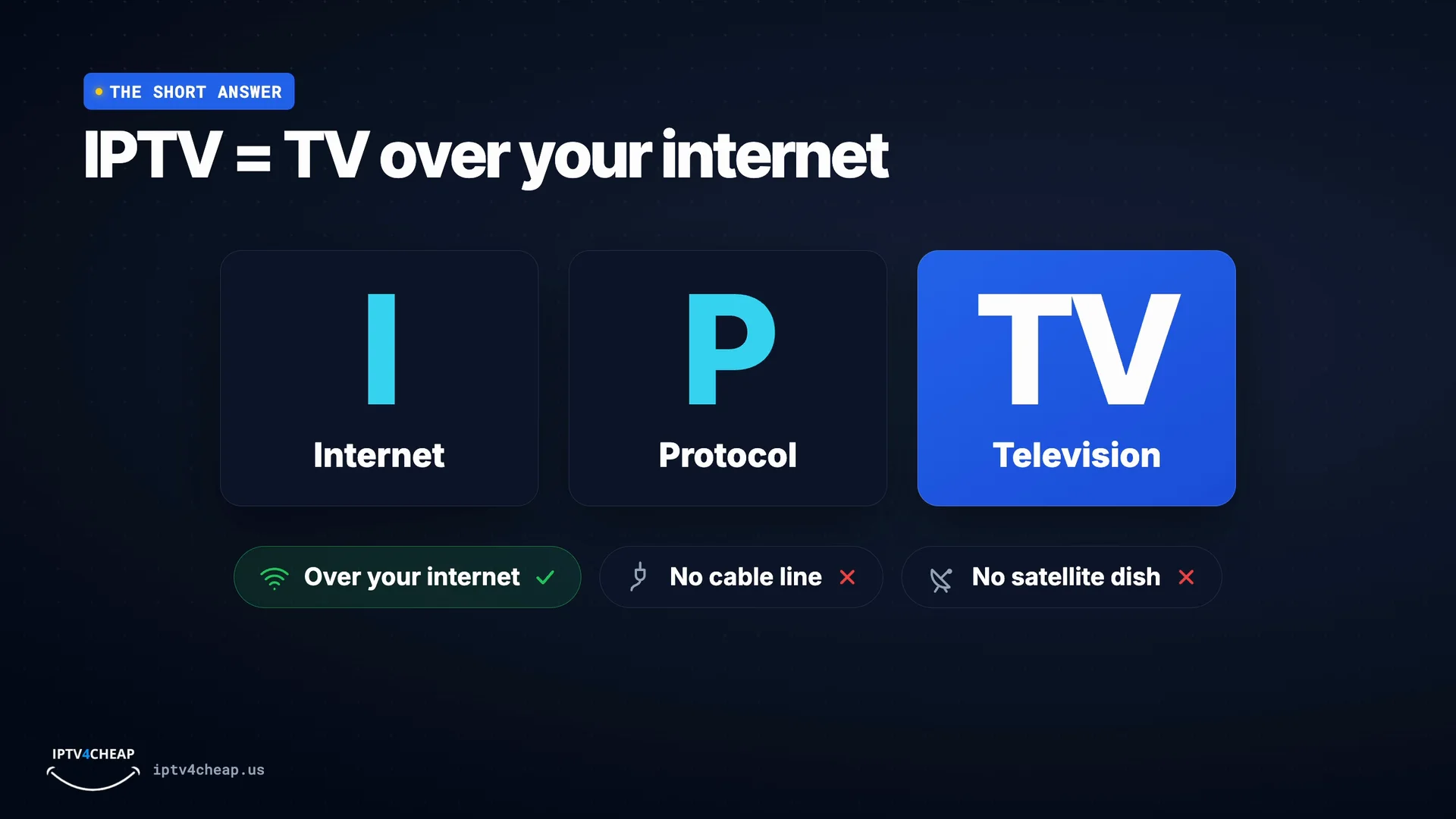
IPTV = TV over your internet
IPTV stands for Internet Protocol Television. In plain words: live TV channels that come over your internet connection, instead of a cable line or a satellite dish.
Think of it as cable TV with the cable swapped for the internet connection you already pay for. Your TV, the remote and the TV guide all feel familiar.
Cable vs IPTV
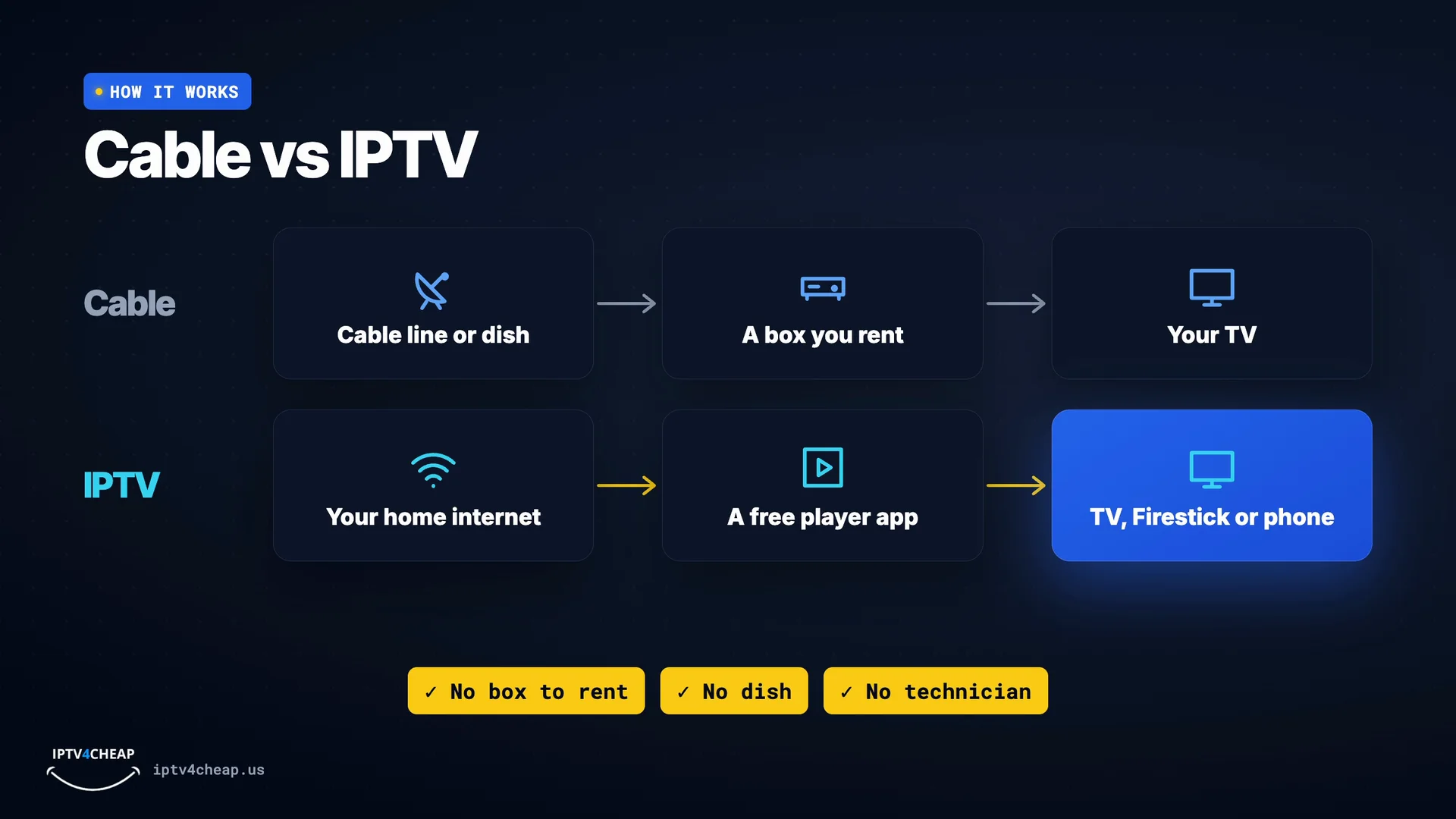
With cable, the signal comes down a cable line or from a dish, into a box you rent, and only then onto your television. With IPTV, the channels come over your home internet, into a free player app, on the TV, Firestick or phone you already own. No box to rent, no dish, and no technician visit.
Cable sends channels down a dedicated line into a box you rent. IPTV sends the same kind of channels over the internet to a free app. No dish on the roof, no technician visit and no box to return when you leave.
One login, one app
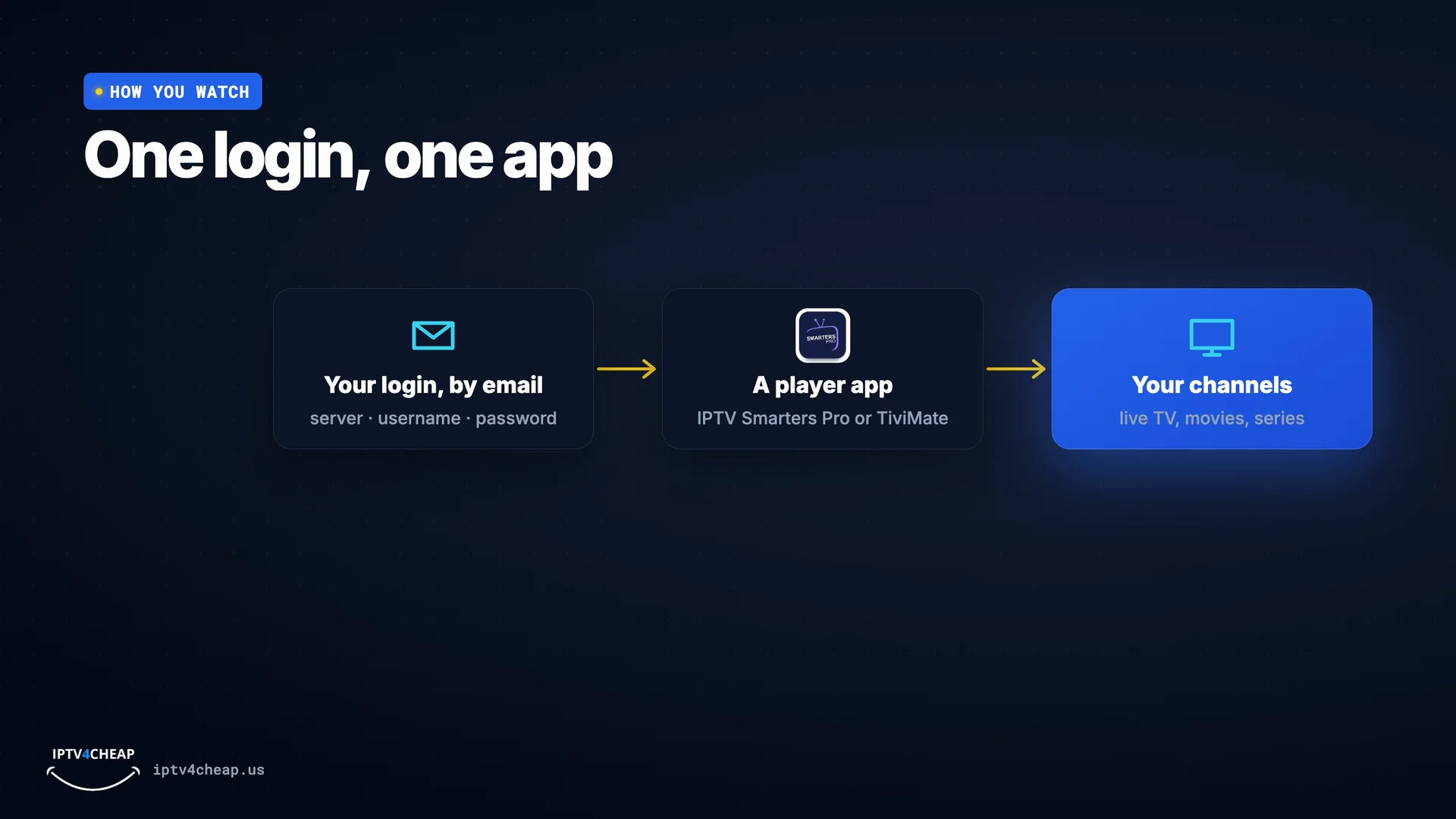
When you subscribe, you get a login by email: a server address, a username, and a password. You type it into a player app, like IPTV Smarters Pro or TiviMate… and your channels appear.
The email has three details: a server address, a username and a password. You type them once into the app, and it remembers them. Our setup guide shows where they go on every device.
What's inside
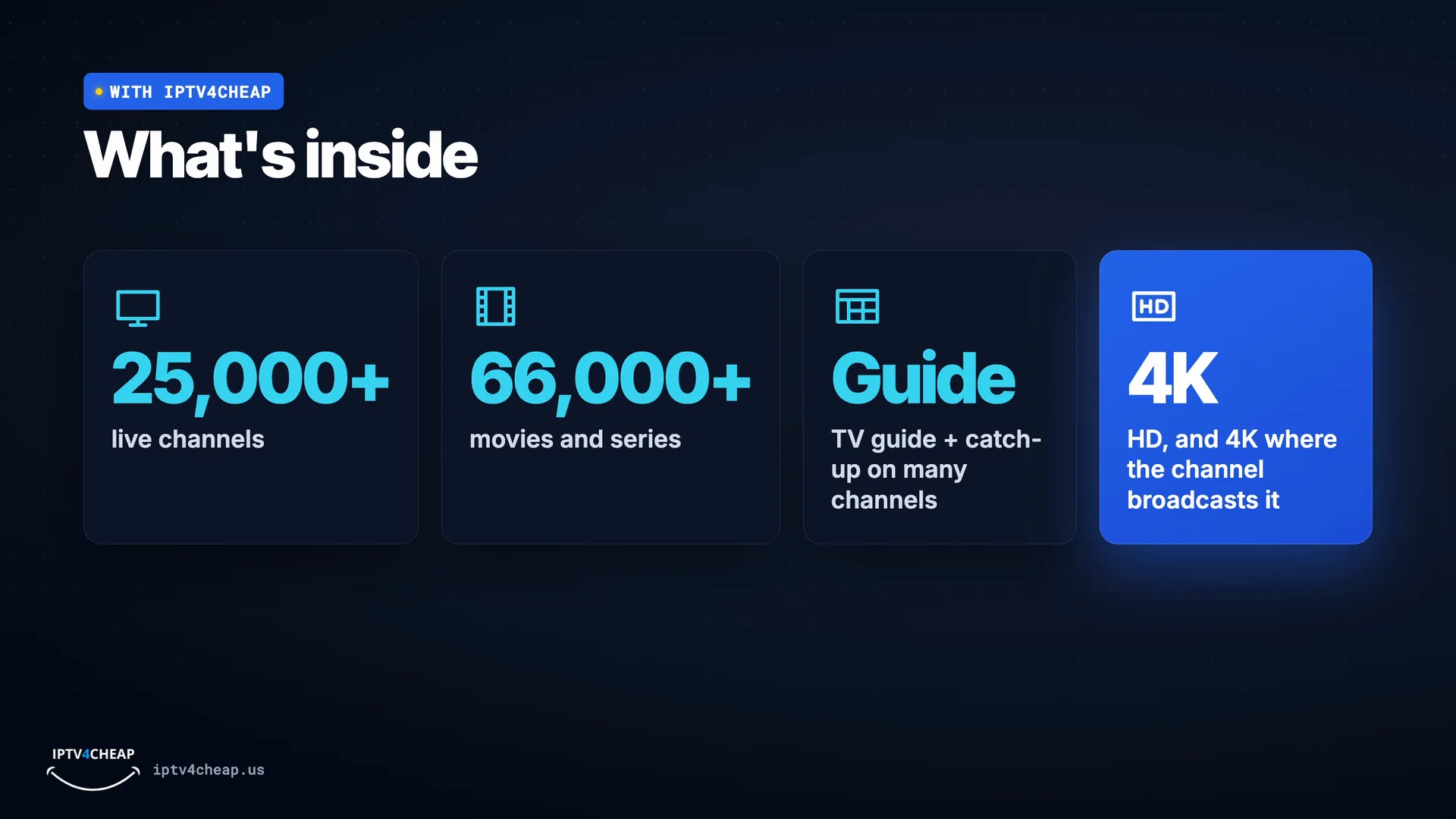
With IPTV4CHEAP, that's over 25,000 live channels, and more than 66,000 movies and series. Plus a TV guide, catch-up on many channels, and HD, or 4K where the channel broadcasts it.
Live channels, a library of movies and series to start whenever you like, a TV guide that shows what is on now and next, and catch-up on many channels.
What you need
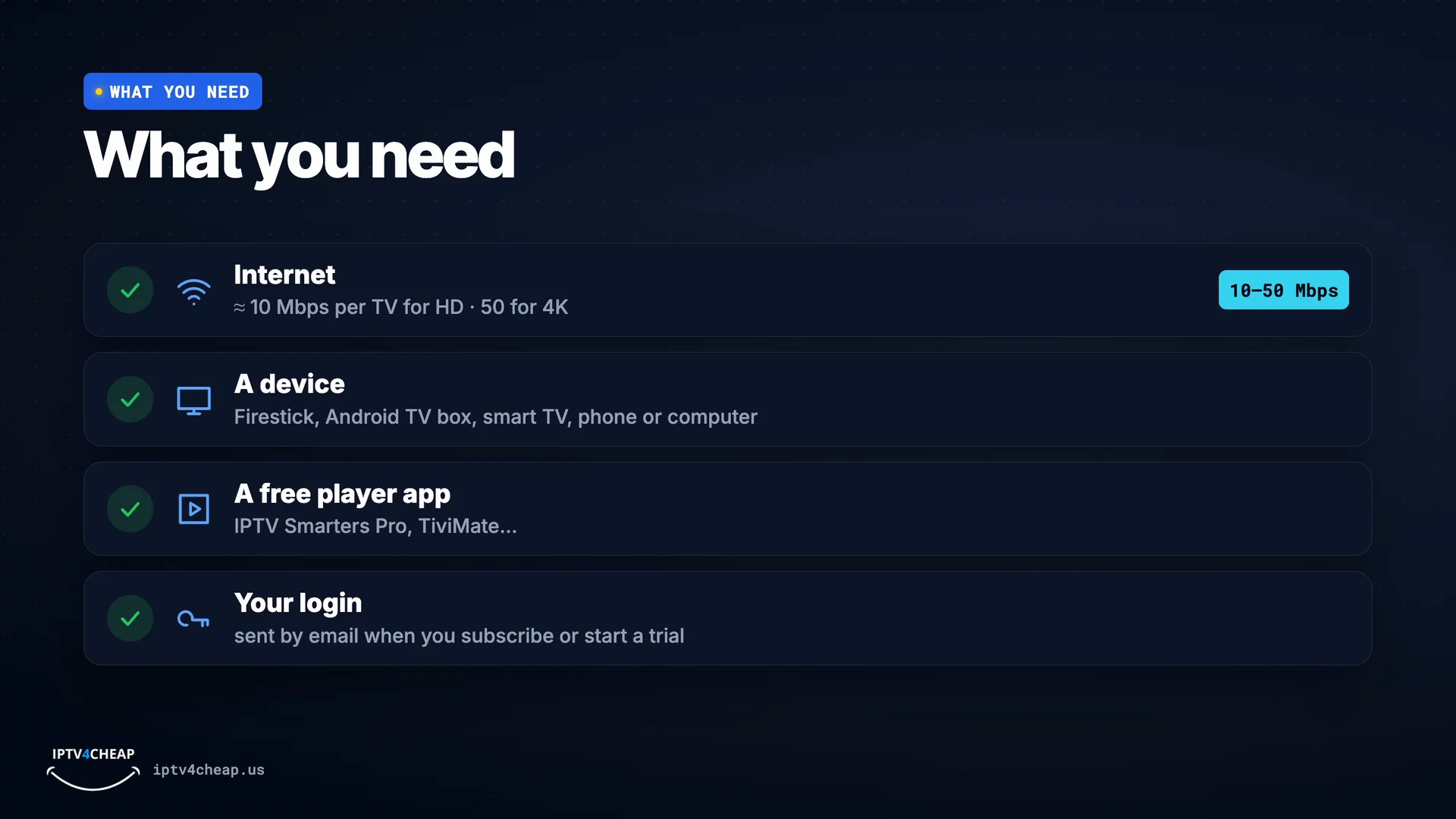
What do you need? First, internet: about 10 Mbps per TV for HD, and 50 for 4K. A device: a Firestick, an Android TV box, a smart TV, a phone or a computer. A free player app… and your login. That is all.
If you stream anything today, you almost certainly have enough. Our IPTV for Firestick page covers the most popular device in detail.
What a year of TV costs
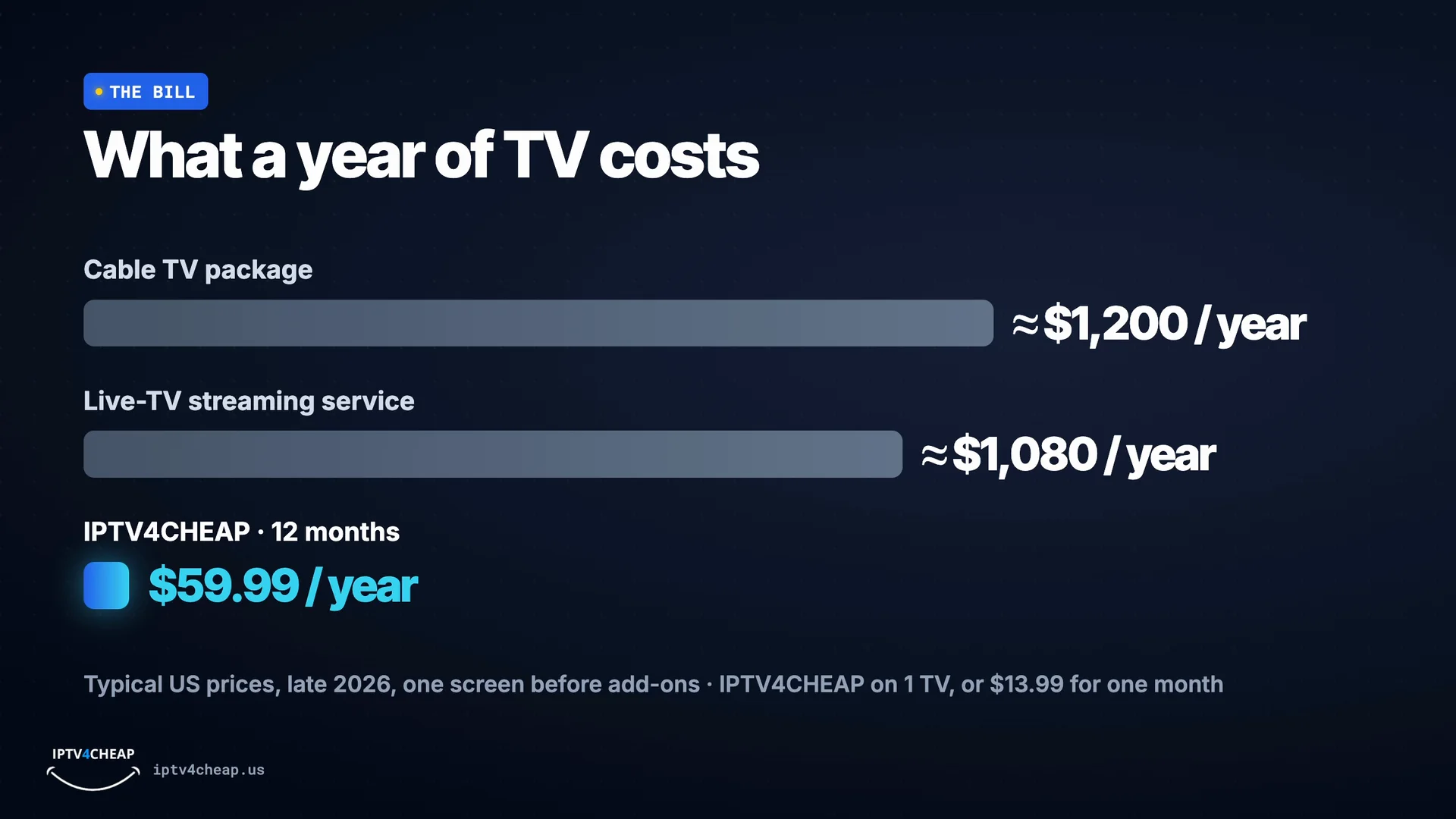
Now the bill. A cable package is often over $100 a month: about $1,200 a year. A live-TV streaming service runs about $1,080 a year. IPTV4CHEAP starts at $13.99 for a month, or $59.99 for a full year, on one TV.
These are typical US prices for one screen before add-ons. With IPTV the price depends mainly on how many TVs watch at the same time and how long you pay for. See every plan on the IPTV service page.
How IPTV works, step by step
1. The channels travel over the internet
Your provider's servers send each channel as a stream of data, the same way a video call or a streaming movie reaches you.
2. A player app receives them
An app such as IPTV Smarters Pro or TiviMate turns that stream into pictures and sound and adds the TV guide.
3. Your login unlocks your plan
The server address, username and password in your email tell the app which channels and how many screens you have.
4. You watch on the TV you already own
Pick a channel from the guide, or start a movie or series. Change channels with the remote as usual.
IPTV vs cable vs live-TV streaming apps
The three ways most US homes watch live TV, side by side.
| IPTV | Cable | Live-TV streaming app | |
|---|---|---|---|
| How it reaches you | Internet connection you already have | Dedicated cable line | Internet, one company's app |
| Equipment | Free app on your TV, stick or phone | Rented box per TV | That company's app |
| Installation | Install an app, type your login | Technician visit | Install the app |
| Contract | Pay per month or per year, no contract | Often 12 to 24 months | Monthly |
| Live channels | Thousands, including international | Depends on the package | Dozens to around 150 |
| Movies and series on demand | Included | Often extra | Sometimes included |
| Several TVs | Pick 1 to 5 screens | Extra box per TV | Limited streams |
The three kinds of TV you get with IPTV
Live TV
Channels playing right now, arranged in a TV guide by category: news, sports, movies, kids, documentaries and international.
On demand
A library of movies and series you start whenever you like, pause and pick up later, on any of your screens.
Catch-up
On many channels you can go back in the TV guide and watch a show from the past days that you missed.
What you need to watch IPTV
- An internet connection. About 10 Mbps per TV for HD and around 50 Mbps for 4K. Steady beats fast: a cable from the router, or the 5 GHz Wi-Fi band, avoids most freezing.
- A device. A Fire TV Stick, Android TV box, Samsung or LG smart TV, iPhone, iPad, Android phone or a computer. The Fire TV Stick is the most popular choice; the Firestick install guide shows every screen.
- A free player app. IPTV Smarters Pro is the easiest to start with; TiviMate has the nicest TV guide. Both use the same login.
- A login from a provider. It arrives by email when you subscribe or start a trial: a server address, a username and a password.
Xtream Codes or M3U: the two ways to sign in
Most providers give you both. Xtream Codes means typing the server address, username and password into the app; it brings in live TV, the TV guide, movies and series in one go, so it is the one to choose. An M3U link is a single long web address that holds the channel list; it is handy for apps without an Xtream Codes option.
What a year of TV costs
A typical US cable package runs about $1,200 a year for one screen before add-ons, and a live-TV streaming service about $1,080. Our 12-month IPTV plan for one TV is $59.99, which is about $5.00 a month, and one month on its own is $13.99. More TVs and longer plans are on the IPTV subscription page, and you can pay once with lifetime IPTV.
Before you choose an IPTV provider
- A free trial without a card, so you can test on your own TV first.
- A written refund policy you can read before you pay.
- Support you can reach before and after you buy.
- Clear prices per TV and per length, with nothing added at checkout.
- Smooth playback in the evening, when servers are busiest.
- A website and real guides, not a login sold only through private messages.
The full checklist, with the warning signs of a bad service, is on our IPTV service page.
What is IPTV: questions people ask
What does IPTV stand for?
Internet Protocol Television. Internet Protocol is simply the way data travels over the internet, so IPTV means television delivered over an internet connection instead of a cable line, a satellite dish or an antenna.
How does IPTV work, in one sentence?
The TV channels are sent from servers over the internet to a player app on your TV, Fire TV Stick or phone, and the app shows them with a TV guide, just like a cable box would.
Do I need a special box for IPTV?
No. A Fire TV Stick, an Android TV box, a smart TV, a phone, a tablet or a computer all work. You install a free player app such as IPTV Smarters Pro or TiviMate and sign in. There is no box to rent.
Does IPTV work on a smart TV?
Yes. Samsung and LG smart TVs can run a player app from their app store, and Android TV and Google TV sets work like a Fire TV Stick. If your TV has no suitable app, a Fire TV Stick plugged into it is the simplest fix.
What internet speed does IPTV need?
About 10 Mbps per TV for HD and around 50 Mbps for 4K. A steady connection matters more than a fast one, and a cable from the router to the TV or stick is better than Wi-Fi.
Is IPTV the same as a live-TV streaming app?
They are close cousins: both bring live TV over the internet. A streaming app is tied to one company's app and devices, while an IPTV subscription gives you a login you can use in the player app you prefer, on most devices.
Can I watch IPTV on more than one TV?
Yes. Each connection covers one screen playing at a time, so a plan with 2 to 5 connections lets that many TVs watch different channels at once.
Can I record or rewind live TV with IPTV?
Many channels have catch-up, which lets you go back to shows from the past days in the TV guide. Recording depends on the player app and device you use.
How much does IPTV cost?
Far less than cable for most homes. Our plans start at one month, and the 12-month plan for one TV works out to a few dollars a month. Every plan is listed on our IPTV service page, and you can try it free for 4 hours first.
See IPTV on your own TV, free
Name and email only, no card. Your login arrives by email in minutes, and the 4 hours start when you first sign in.