IPTV Free Trial · USA
IPTV Free Trial: 4 Hours, No Card Needed
The short answer
Our IPTV free trial gives you 4 hours of the full service on one TV: all 25,000+ live channels, sports and pay-per-view, and 66,000+ movies and series. You enter only your name and email, no card or PayPal, and your login arrives by email, usually within minutes. The 4 hours start at your first sign-in.
Name and email only · Login by email in minutes · Nothing to cancel
How the IPTV free trial works, step by step
Every screen from our free trial video. Tap a screen to see it full size.
- Step 1
Enter your name and email
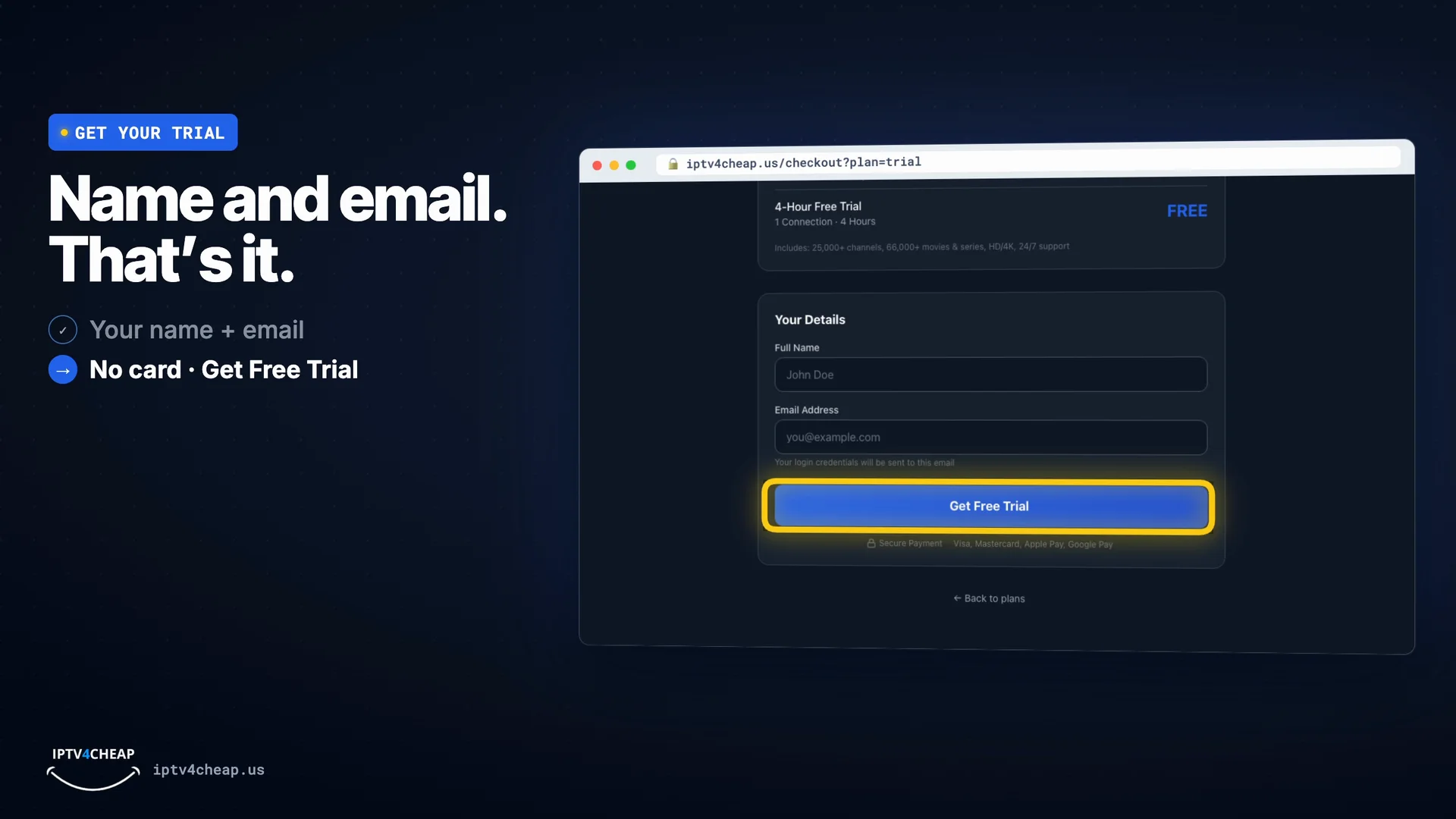
Open the free trial form, type your name and email and press Get Free Trial. There is no card or PayPal step, so nothing can be charged by mistake.
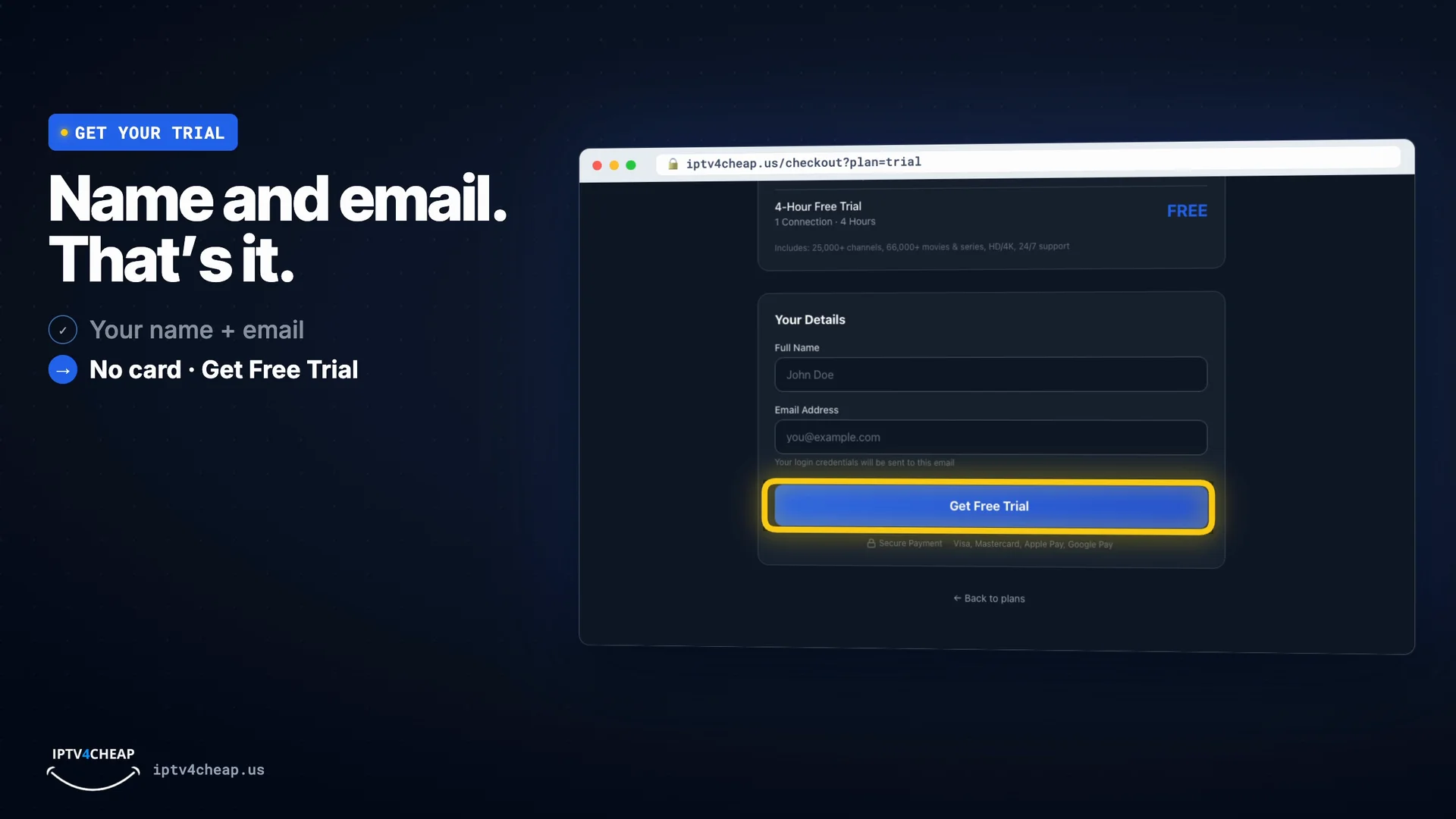
Name and email, then Get Free Trial. No card. - Step 2
Install a player app before you sign in
While the email is on its way, install a player app such as IPTV Smarters Pro or TiviMate. The Firestick guide, the TiviMate guide and the setup guide show every screen. Your 4 hours start at your first sign-in, not when the email arrives, so setup time is free.
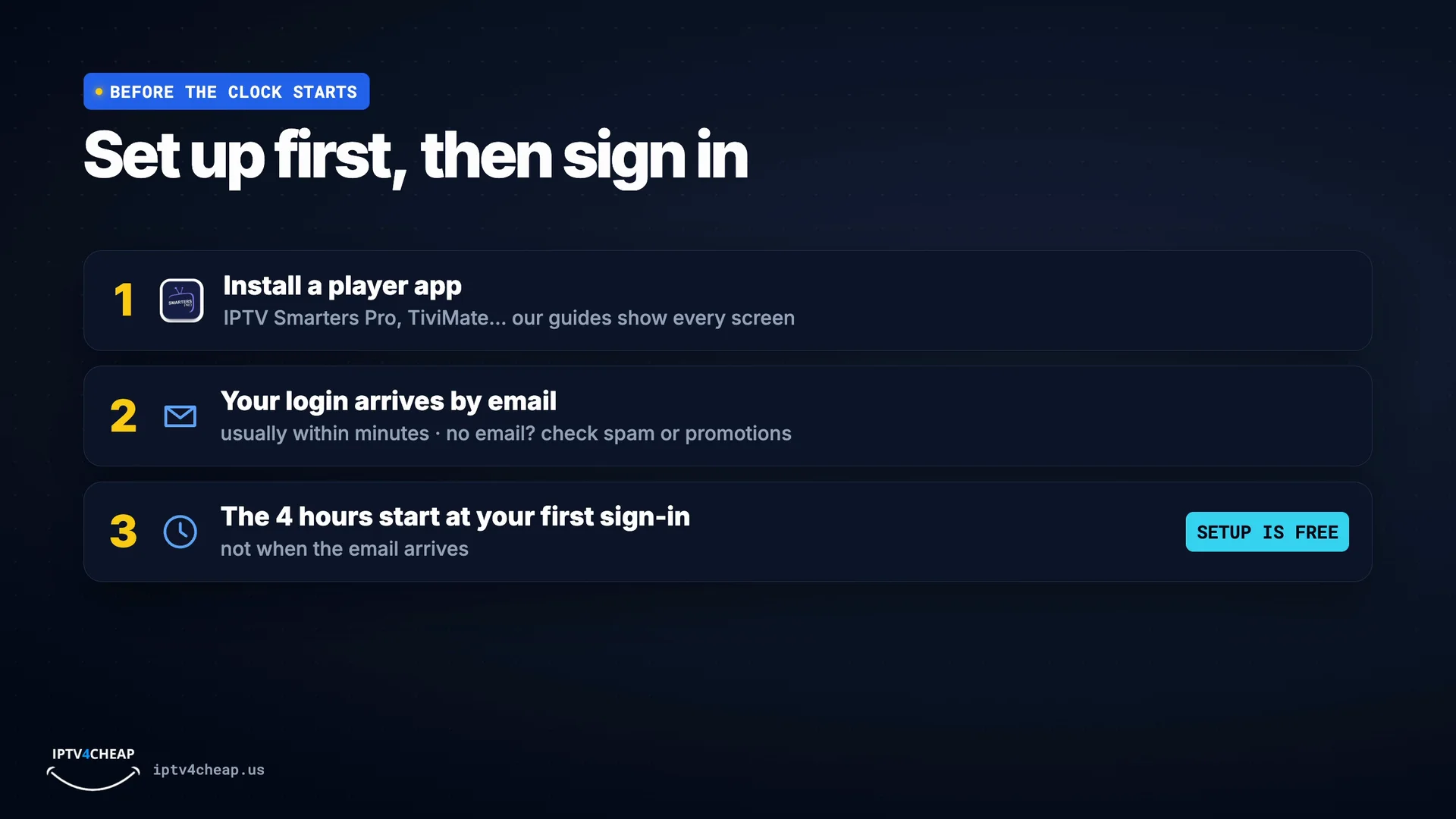
Install the app first; the 4 hours start when you sign in. - Step 3
Open the email and sign in
Your trial email has a server address, a username and a password. Type them into the player app; the 4 hours start now. No email after a few minutes? Check your spam or promotions folder.
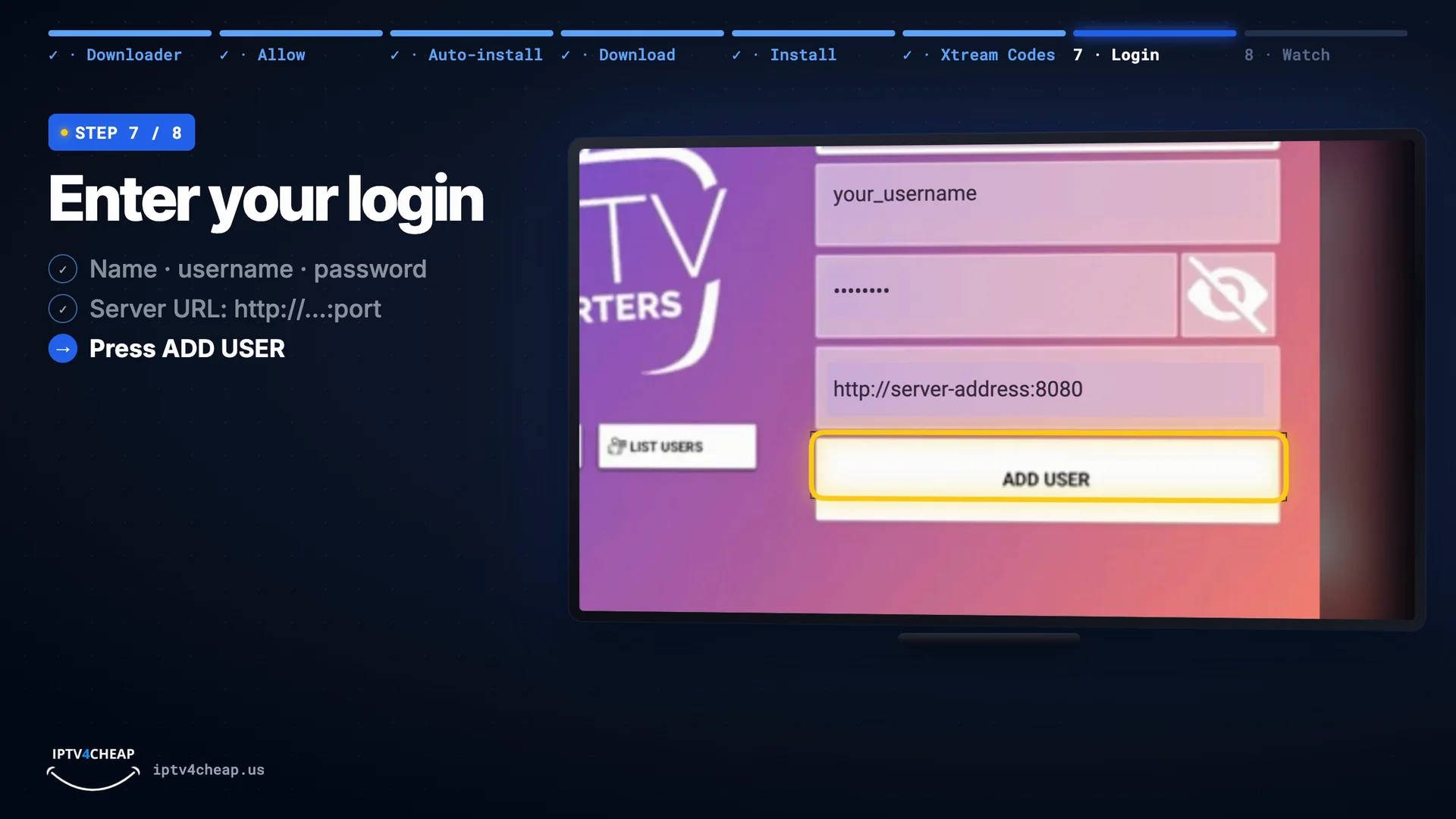
In IPTV Smarters Pro: any name, username, password, server URL, then Add User. - Step 4
Test it properly
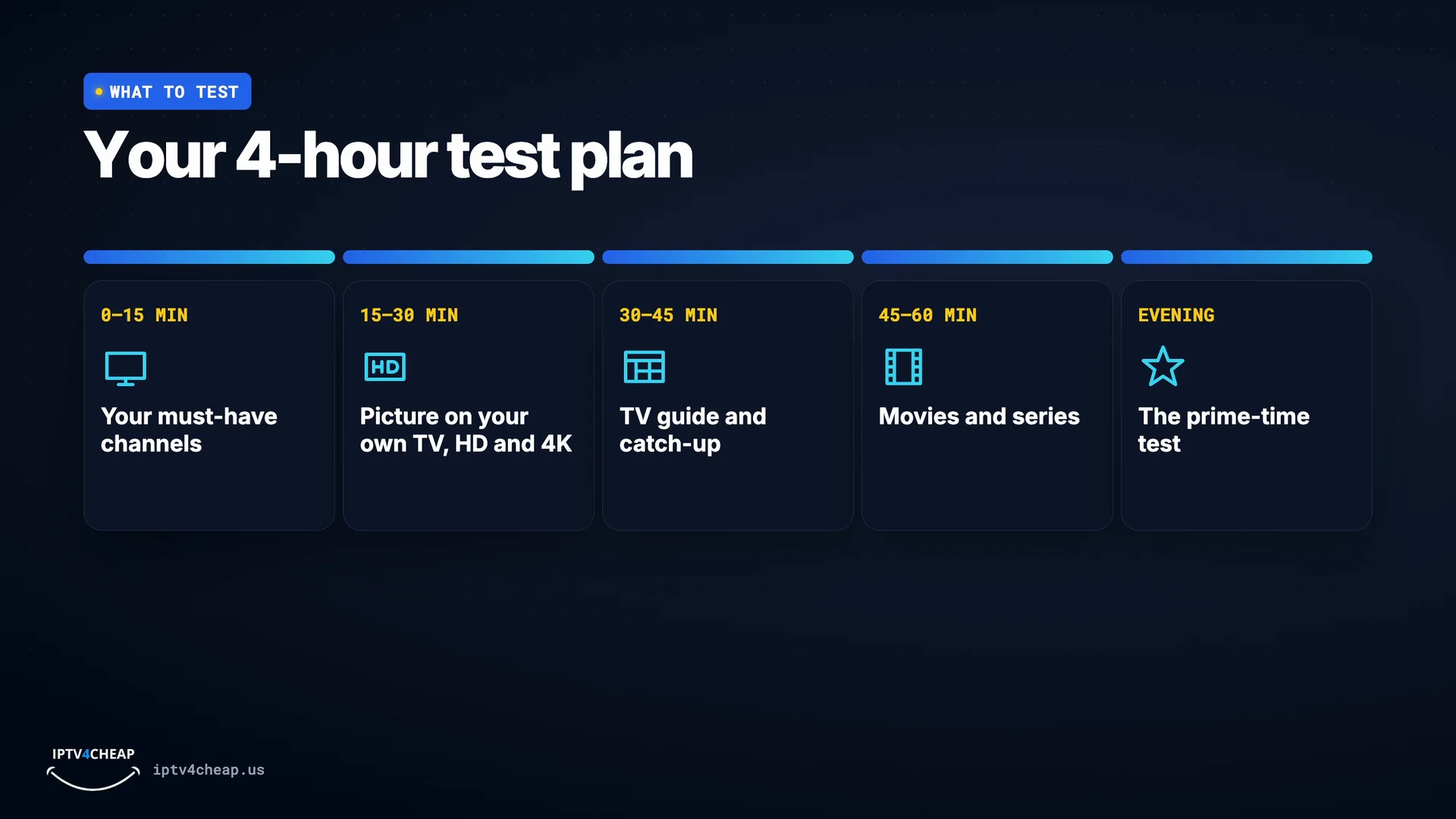
Use the 4 hours in this order, so you check what matters before the trial ends:
- Your must-have channels (first 15 minutes)
- The picture on your own TV, in HD and 4K
- The TV guide and catch-up
- Movies and series
- An evening at prime time, when servers are busiest
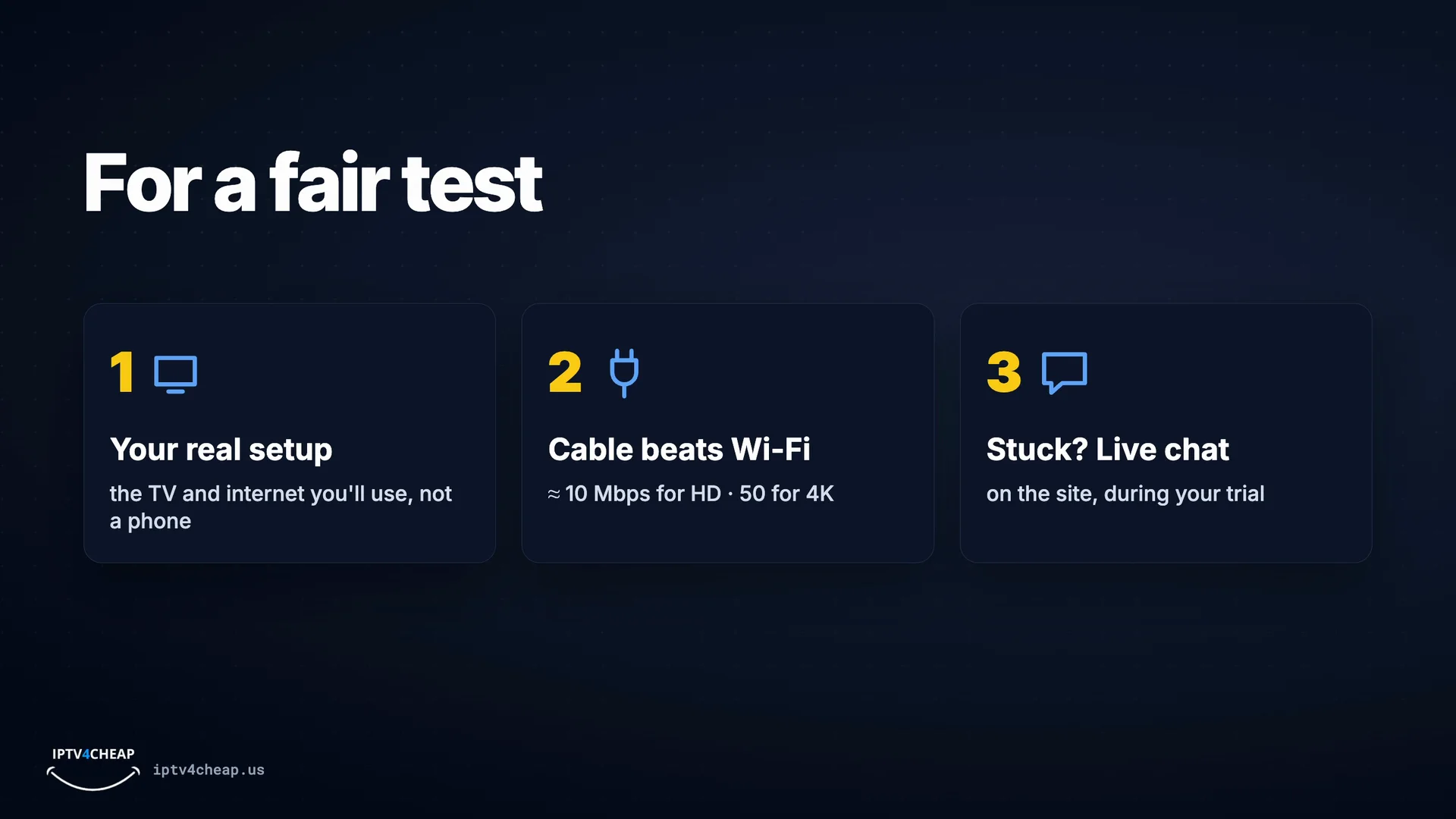
Test on the TV and internet you will really use. A cable from the router beats Wi-Fi.
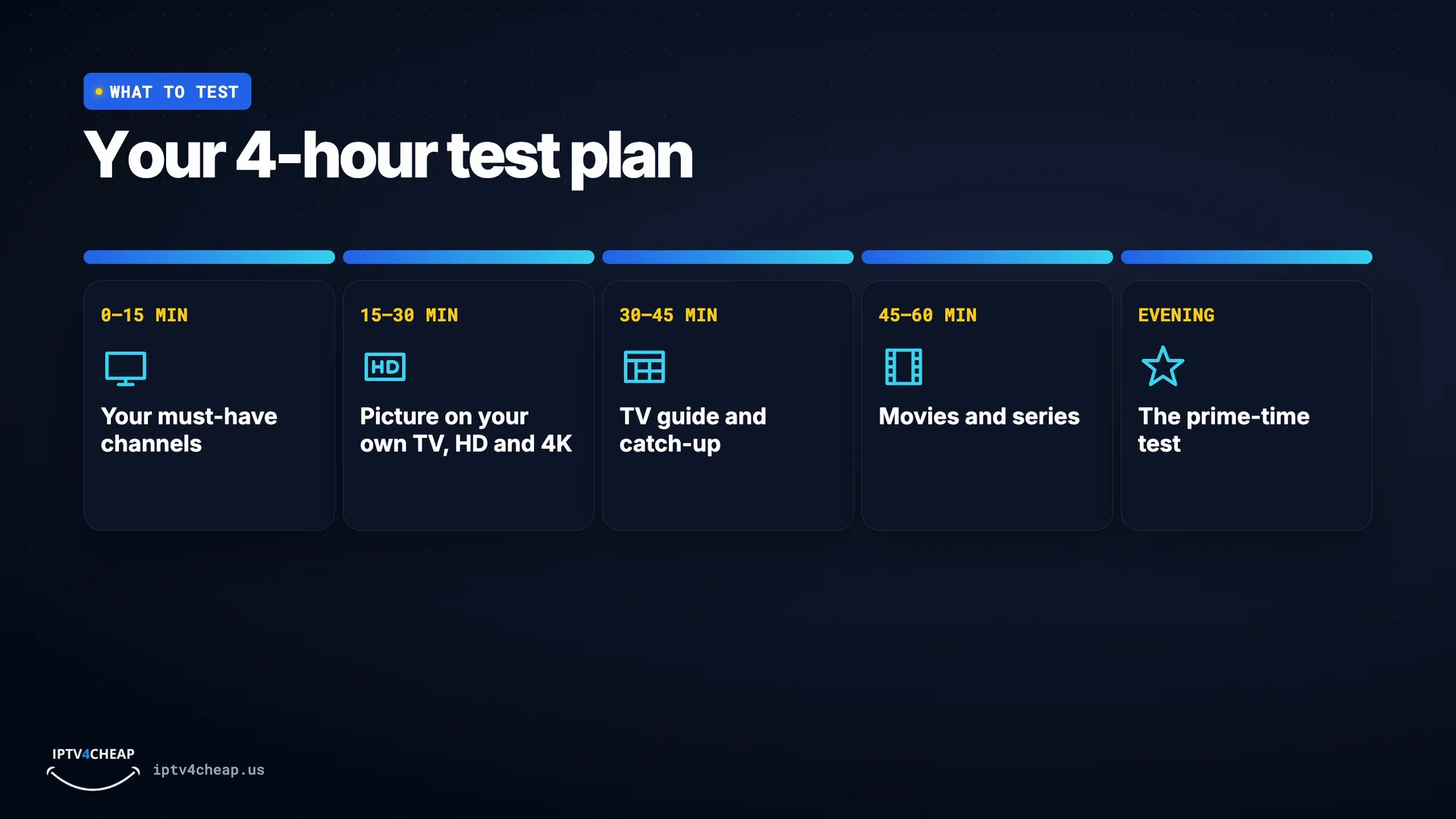
Your 4-hour test plan. 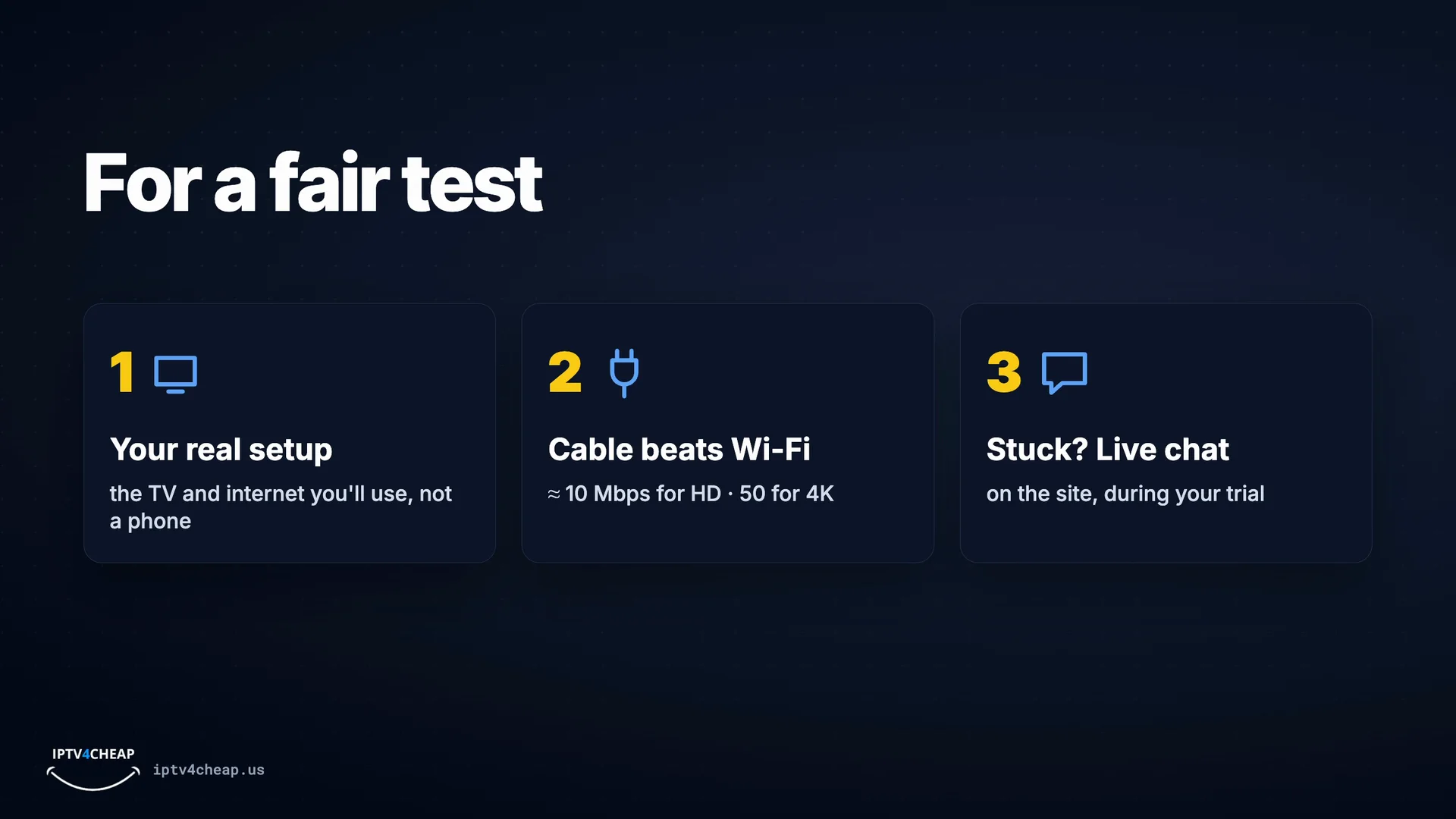
For a fair test: your real setup, a cable, live chat if stuck. - Step 5
When the 4 hours are up
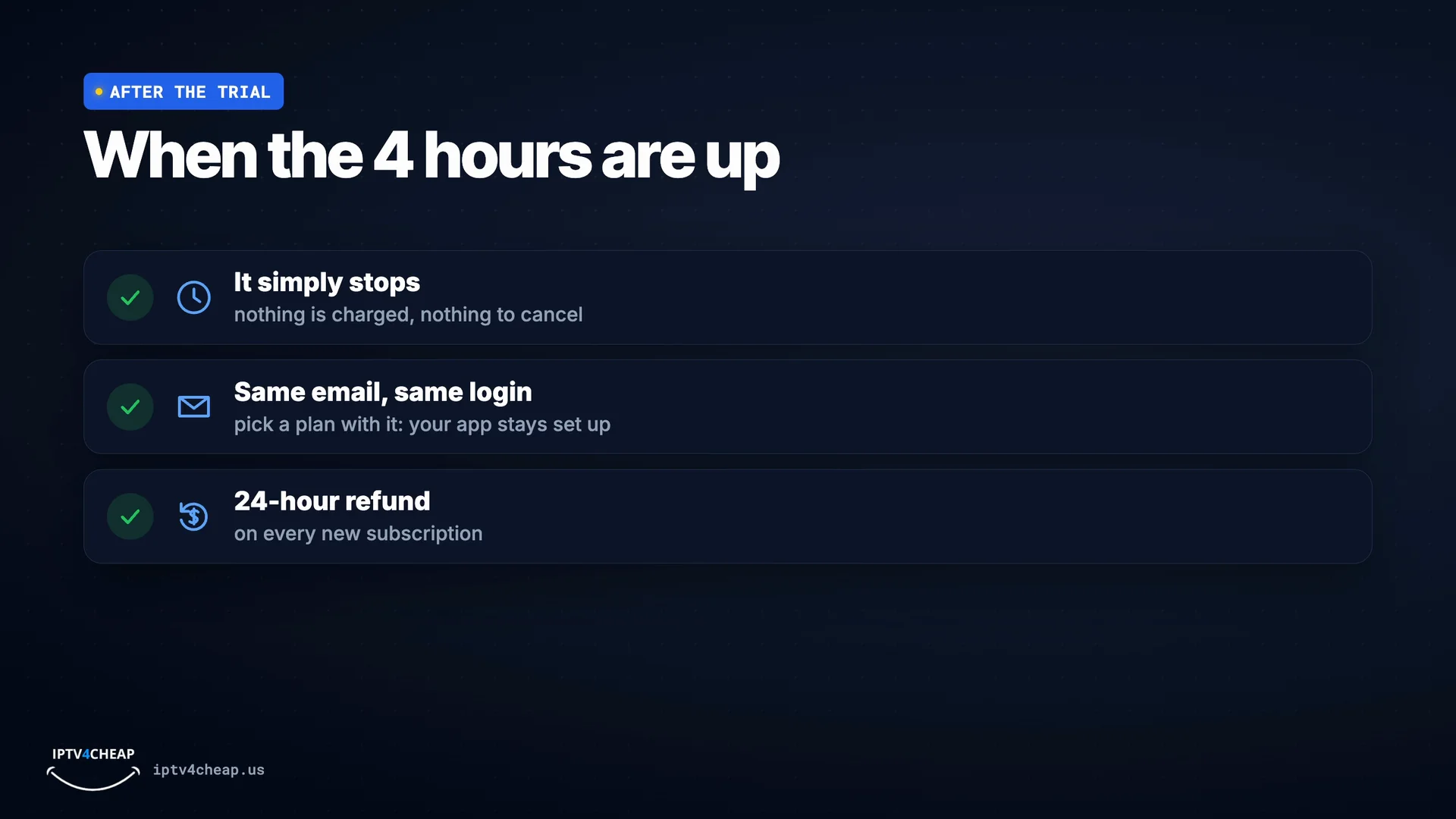
The trial simply stops: nothing is charged and there is nothing to cancel. If you liked it, buy IPTV with the same email and your trial login keeps working, so your TV stays set up. Every new subscription has a 24-hour refund.
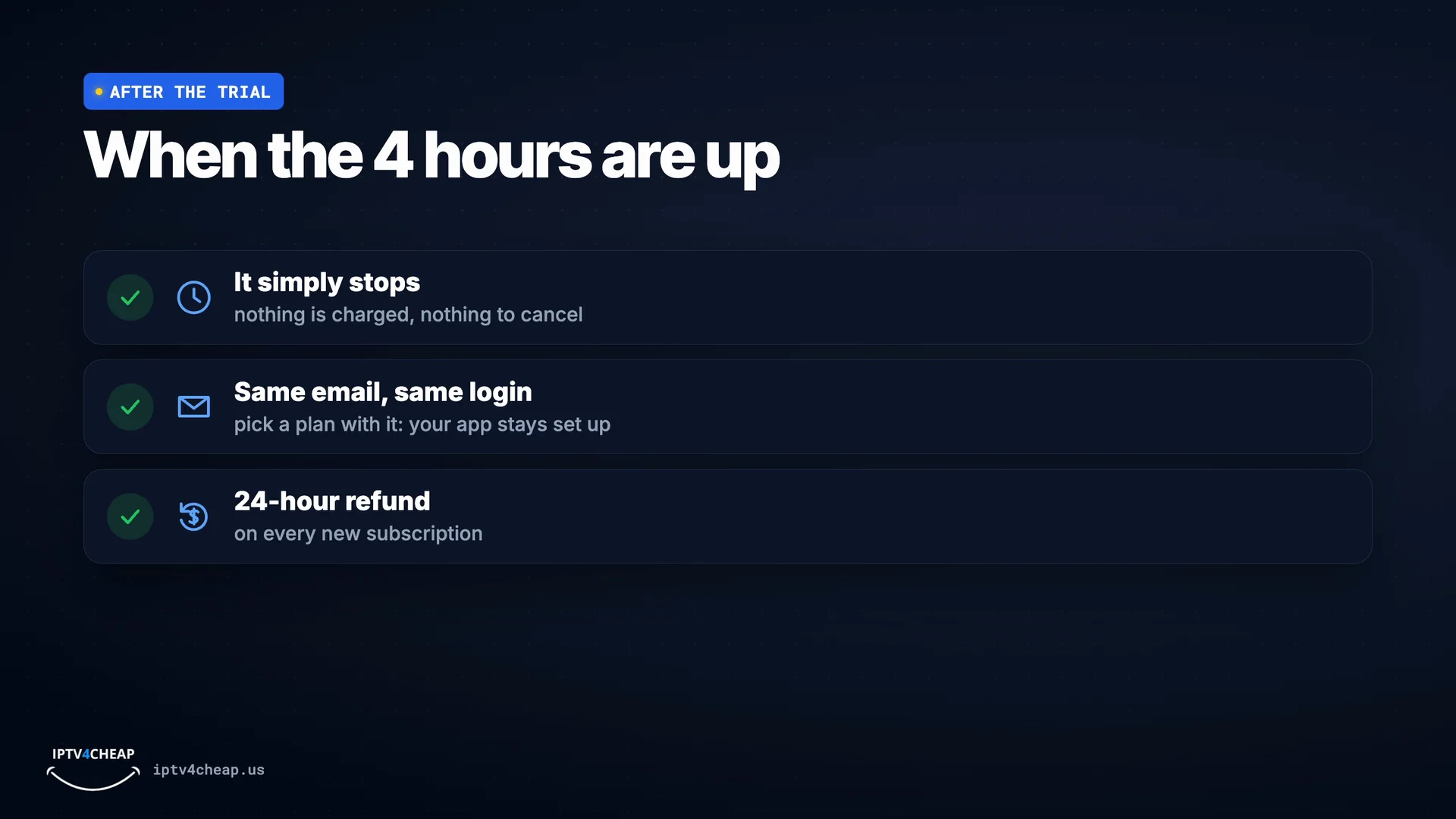
It stops by itself; same email, same login; 24-hour refund.


Watch: the free trial in 2 minutes
How to get it, what to set up first, what to test in your 4 hours and what happens after. Tap a chapter to jump to it.
What the free trial includes
The full lineup
- All 25,000+ live channels: news, sports, movies, kids, documentaries and international
- Sports and pay-per-view events, with nothing held back for paid plans
- HD on most channels, 4K where the channel broadcasts it
On demand
- 66,000+ movies and series to start whenever you like
- A TV guide that shows what is on now and next
- Catch-up on many channels
No strings
- No card, PayPal or payment details
- No automatic subscription when it ends
- Nothing to cancel
Help while you test
- Setup help from our support team on live chat
- Guides for Fire TV, smart TVs, phones and computers
- The same login can become your paid login
What to test during your IPTV trial
Four hours goes quickly. Use this order so you check what matters before the trial ends.
| When | What to check |
|---|---|
| Minute 0–15: your must-have channels | Open the channels you watch most. Check that each one opens in a few seconds and plays without stopping. |
| Minute 15–30: picture on your own TV | Watch a few minutes in HD and in 4K where the channel offers it. Your TV and internet decide what you see, so test at home, not on a phone. |
| Minute 30–45: TV guide and catch-up | Look at what is on next in the TV guide, and try going back to a show you missed on a channel with catch-up. |
| Minute 45–60: movies and series | Start a movie, skip forward, stop and resume. The on-demand library should feel as quick as the live channels. |
| Evening: the prime-time test | Save an hour of your trial for the evening or a big game, when servers are busiest. Smooth playback then is what matters. |
Test on the TV and internet you will really use. A stable connection matters more than a fast one: about 10 Mbps for HD, 15–25 Mbps for Full HD and 50 Mbps or more for 4K. A cable from the router to the TV or stick beats Wi-Fi.
How our free trial compares with other IPTV trials
Many IPTV providers advertise a free trial. Before you sign up for any of them, check what you have to give and what happens when it ends. Here is how ours works next to what you will often find elsewhere.
| IPTV4CHEAP trial | Often elsewhere | |
|---|---|---|
| What you need to give | Name and email only | Often a card that is charged when the trial ends |
| Length | 4 hours on one TV | From a few hours to 72 hours |
| What is included | Every channel, sports, pay-per-view and the full movie library | Sometimes a reduced lineup |
| When the clock starts | At your first sign-in | Often when the login is created |
| After the trial | Nothing to cancel; buy with the same email and keep your login | Sometimes an automatic subscription |
Free trial red flags to watch for
- A card for a "free" trial. If a trial needs payment details, read exactly when and how much it charges.
- A trial only through private messages. No website and no written terms means no way to get help later.
- A smaller lineup during the trial. You should test the same channels you would pay for.
- Pressure to pay before the trial ends. A good service lets the trial speak for itself.
- No refund policy. The trial is the first safety net; a written refund policy is the second.
- Free lists of links instead of a trial. Free playlists found online are not a trial of anything and often stop within hours.
After the free trial: what happens next
When the 4 hours are up, the trial simply stops. Nothing is charged, because we never had your payment details, and there is no subscription to cancel.
If you liked what you saw, choose a plan with the same email address you used for the trial. Your trial login becomes your paid login, so your app and TV stay set up exactly as they are. Plans start at $13.99 for one month, and the 12-month plan works out to about $5.00 a month. Every plan is on the IPTV service page, how plans and renewals work is on the IPTV subscription page, and you can pay once with lifetime IPTV.
Watching on more than one TV at the same time? The trial covers one TV, and paid plans go up to five. Our guide to IPTV on multiple devices helps you pick the right number. And if you buy and change your mind, the refund policy gives you 24 hours.
Who the free trial is for
First time trying IPTV
See how live TV over the internet works on your own TV before you spend anything. Setup takes a few minutes with our guides.
Switching from cable
Check that the channels you watch every day are there and play smoothly, then compare the price with your cable bill.
Coming from another provider
Test whether our service is more stable in the evening and during big games, which is where most providers fall short.
Buying for a parent or relative
Set the trial up on their TV together and make sure they are comfortable with the remote and the TV guide before you choose a plan.
IPTV free trial: questions people ask
Is the IPTV free trial really free?
Yes. The trial costs nothing and we do not ask for a card, PayPal or any payment details, so nothing can be charged when it ends.
How long is the free trial?
4 hours on one TV. The 4 hours start the first time you sign in with your trial login, not when the email arrives, so you can install the app first without losing time.
Do I need a credit card for the IPTV trial?
No. You only enter your name and email address. Your trial login arrives by email, usually within minutes.
What do I get during the trial?
The same service as a paid plan: all 25,000+ live channels, sports and pay-per-view, the 66,000+ movies and series, the TV guide and catch-up. There is no cut-down trial lineup.
Can I try IPTV on a Firestick?
Yes. Install a player app such as IPTV Smarters Pro with the Downloader app, then sign in with your trial login. Our Firestick guide shows every screen.
What happens when the trial ends?
It simply stops. Nothing is charged and there is nothing to cancel. If you liked it, choose a plan with the same email address and your trial login keeps working, so you do not have to set up your TV again.
Why 4 hours and not 24 or 72 hours?
Four hours is enough to check the channels you watch, the picture on your TV and how it plays in the evening, which is the real test of any service. If your trial ran out before you could test properly, message our support team.
How many free trials can I get?
Trials are limited per email address. If the checkout says you have already used your free trials, contact support and we will help.
My trial email did not arrive. What should I do?
Check your spam or promotions folder first; trial emails usually arrive within minutes. If it is not there, contact support with the email address you used.
What if I buy after the trial and change my mind?
Our refund policy gives you 24 hours from purchase. Contact support in that time and we will help you get it working, or refund you.
Try every channel free for 4 hours
Name and email only, login by email in minutes, and the 4 hours start when you first sign in. Nothing to cancel when it ends.